Managing a project or several projects can be overwhelming, and it’s worth using tools that help simplify it. And the decisions we make or the tasks we’re assigned can impact the overall success of the entire project. Besides applications designed specifically for project management, we can also use Excel spreadsheets or other tools.
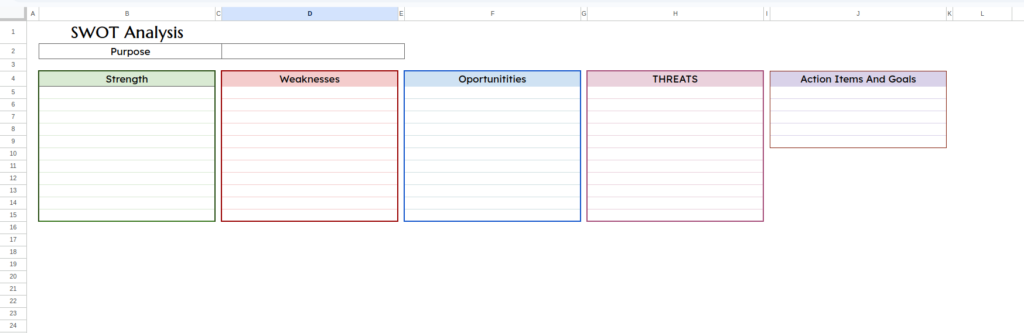
SWOT Analysis
In business or other activities, it’s worth creating a plan of our strengths and weaknesses. This is also worth doing in the case of our potential competitors. This is precisely what the SWOT analysis template, which summarizes strengths, weaknesses, opportunities, and threats, is for. Each of these items has a separate tab in the spreadsheet where you can enter up to seven strengths and weaknesses, listing where your likely opportunities lie, and the threats you should consider. The spreadsheet also has cells for entering action goals and future plans. The template has a horizontal and vertical line format, and you can also enter them in columns. You can, of course, save it as a PDF and present it at a meeting with your employees.
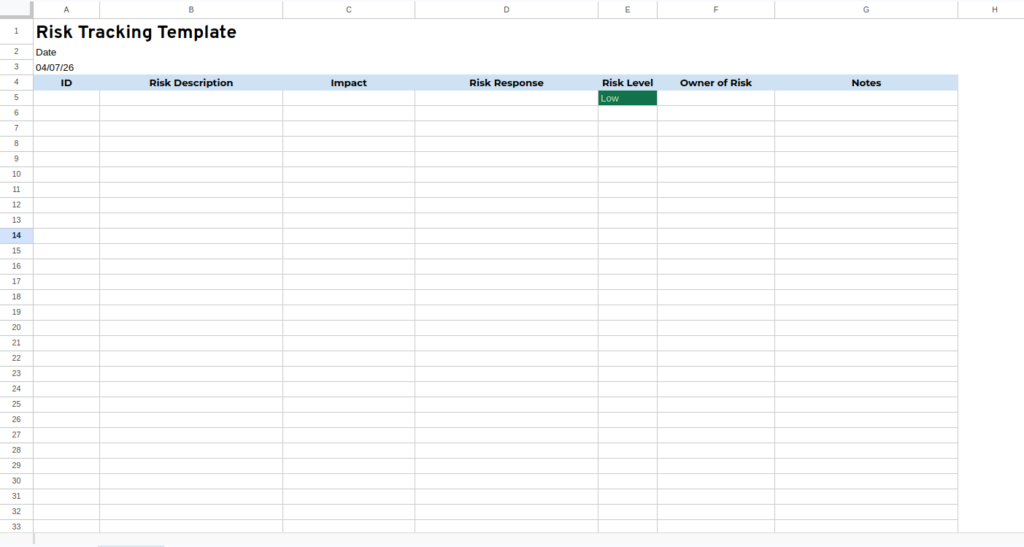
Risk Tracking Template
When running a company or managing a project, risk assessment can be helpful in choosing a better and less risky option. A risk assessment template for spreadsheets will be a helpful tool for assessing risk and sizing it for individual problems. Scales and colors can be set according to your requirements. The spreadsheet also has a column where you can enter recommended actions to fix the problem, as well as the importance and order of its completion, also on a scale you define yourself.
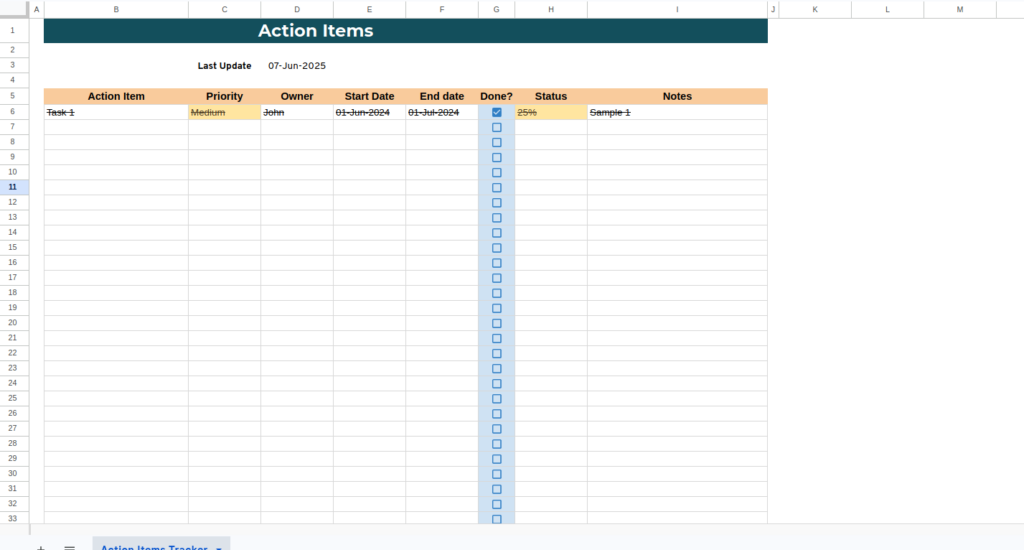
Action Items
To help you achieve your project goals or be more organized in your personal life, it’s worth using planning. You can use the Action Item Tracker template for Excel for this purpose. The spreadsheet has several columns where you can enter the task name, add a due date, or set a priority for the task from a selectable menu, indicating whether it’s very important or less important.
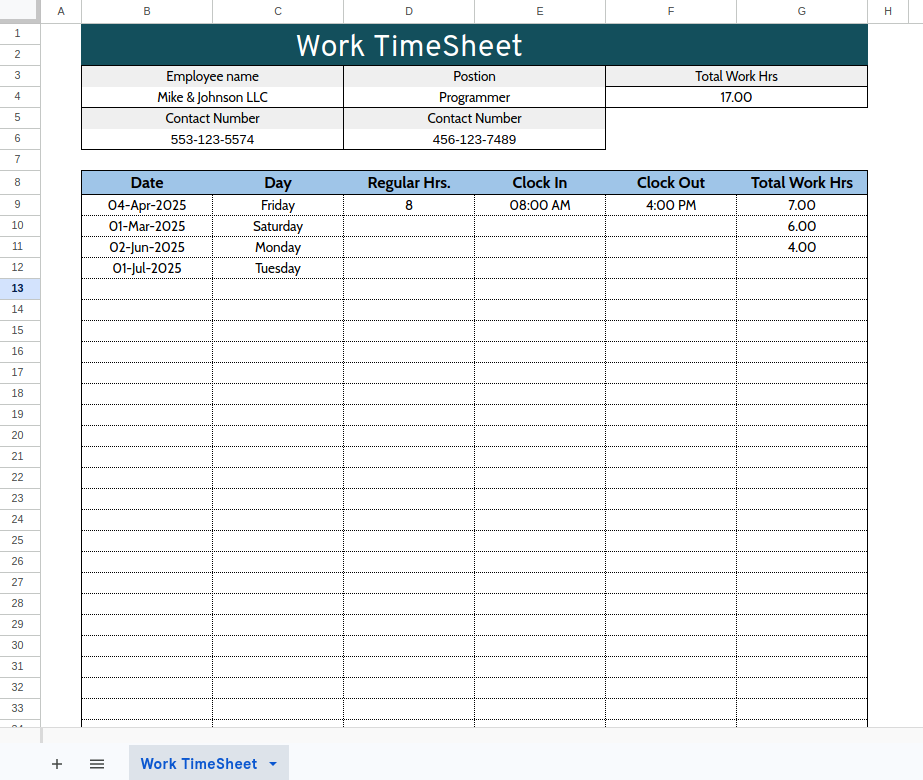
Work Timesheet
Work organization is important, and an Excel spreadsheet designed for managing work and assigned tasks can help. The spreadsheet is divided into several phases, and for each phase, you can add tasks that need to be completed. There’s also a column for entering the start date and deadline for completing assigned tasks. There’s also a column in the bottom right corner where you can enter the person designated for individual tasks if you’re working in a team.
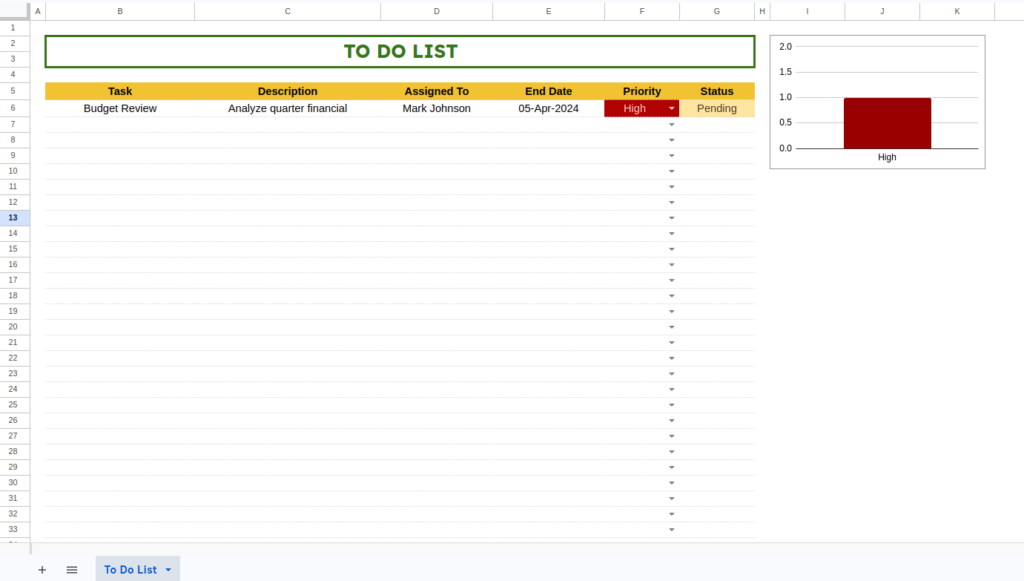
To do lists
Planning and making to-do lists will help us in our home lives and improve our work in a company or larger team. In this spreadsheet, we can write down to-do items, set the status and importance of each activity, and add a due date. However, this template is better suited for business or project work than for organizing household chores like cleaning or cooking.
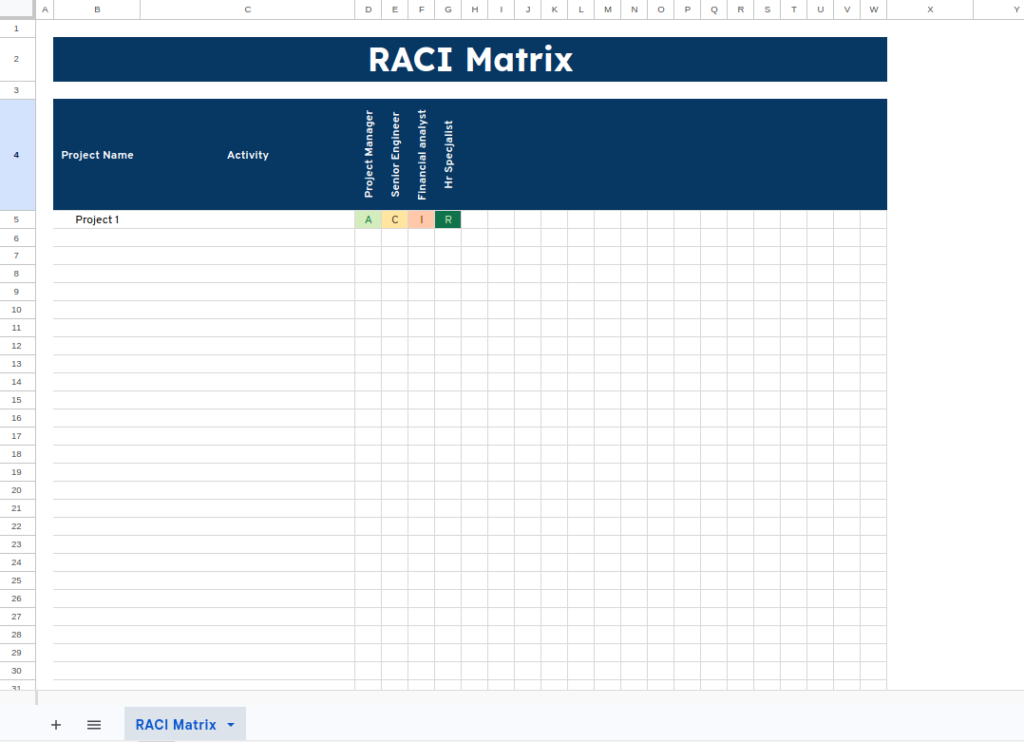
Raci Matrix
This template will help us establish responsibility and decision-making for assigned tasks. We can customize the roles in this template to our needs and add tasks and people responsible for them. In the cells, we can select the role and responsibility for each task and the person assigned to it from the menu. Depending on the selected role, the color will vary, indicating whether someone is simply assisting with a given task or has a decisive influence on its completion.
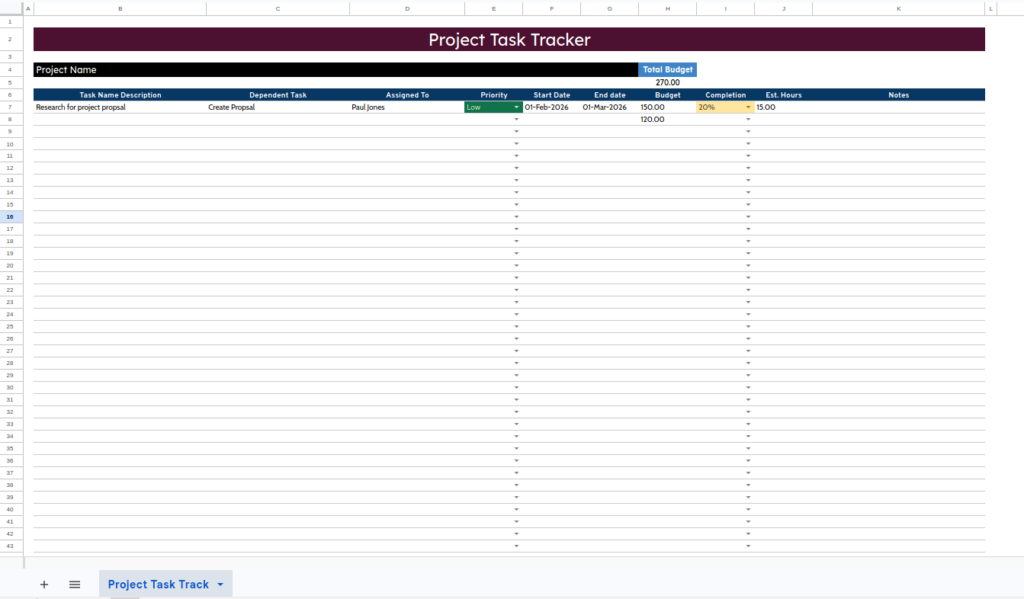
Project Task List
Planning tasks in our project will help us improve organization and help us meet deadlines. The template includes columns for setting task importance, start date, and end date. There is also a column for tracking expenses and calculating the budget. You can also monitor work time by entering hours. There is also a column for adding percentage completion. This template will be a very useful tool for our company projects.
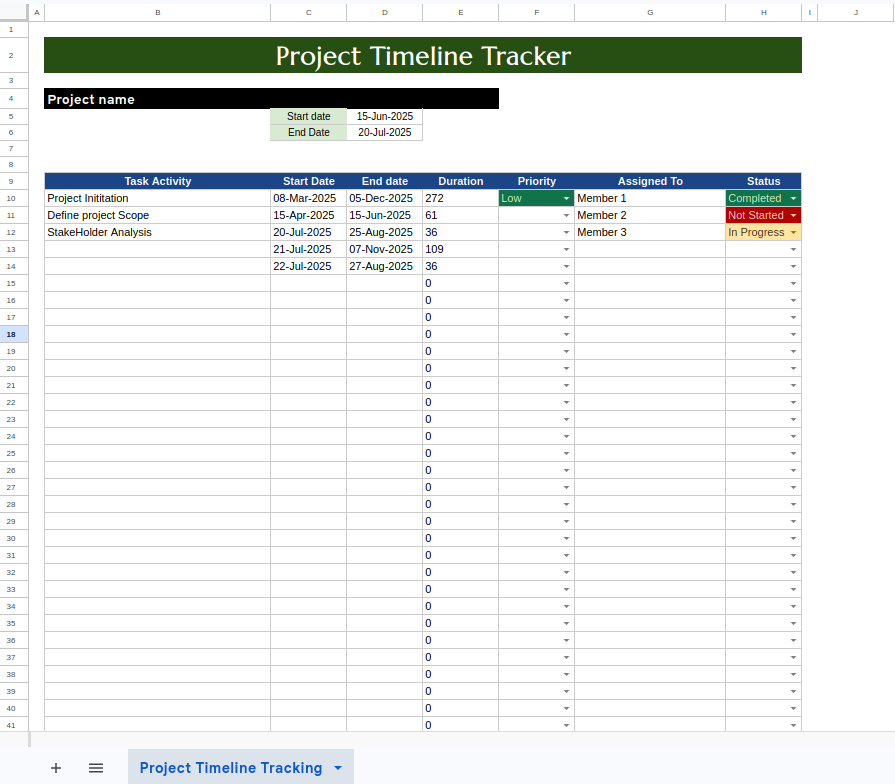
Project Timeline
Deadlines in project implementation are very important. This template can be very helpful in this regard; it includes a chart detailing our deadlines. There’s also a column for entering start dates and deadlines. You can set a different color for each project in the selection menu. The template also has a column for longer-term goals, up to four items.
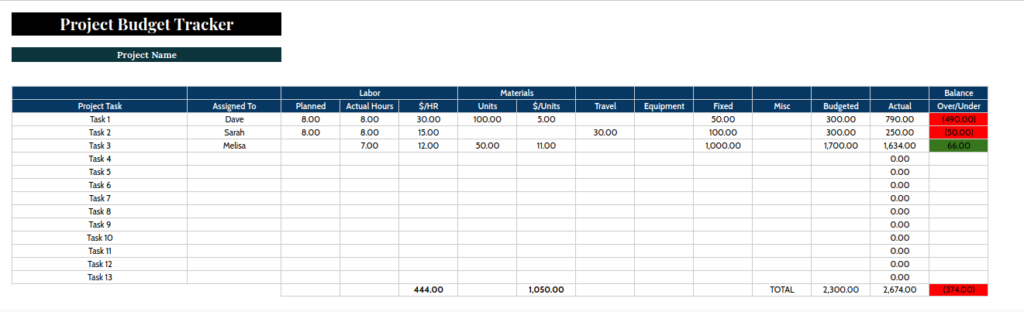
Project Budget Template
Creating a project budget can be difficult, so it’s worth using spreadsheets. This template has a column for the required budget amount and the current amount. All calculations are performed automatically, allowing you to better control your project expenses. This template will prove extremely useful in controlling your finances and tracking your project expenses and budget.
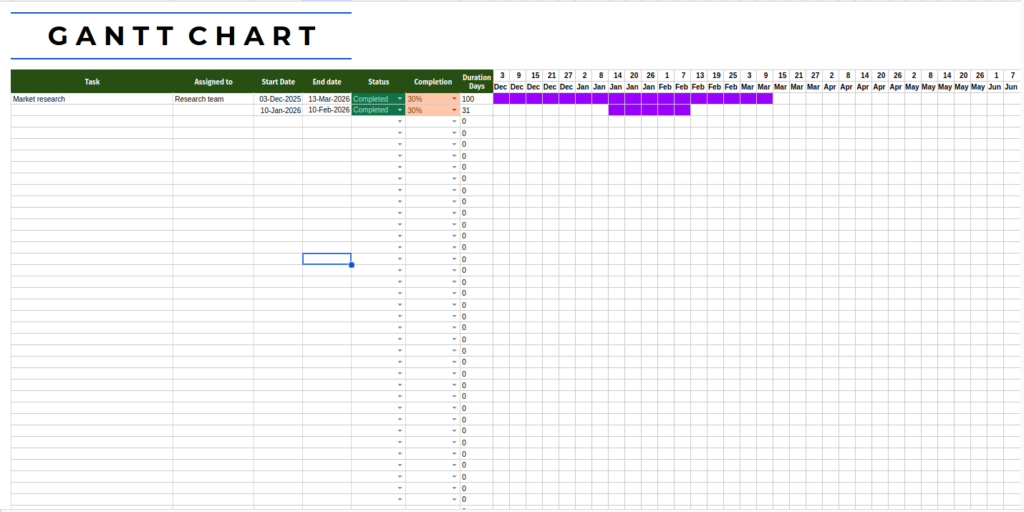
Gantt Chart
A Gantt chart template will help you better manage and organize tasks. The template includes a column for entering the people assigned to the task, as well as the start and end dates. The template also allows you to mark completed projects, calculate their completion percentage, and calculate project durations. There’s also a timeline chart that indicates the dates of individual projects. This template will be extremely helpful in achieving your goals and tasks, and is especially useful for projects involving multiple people.